Azi
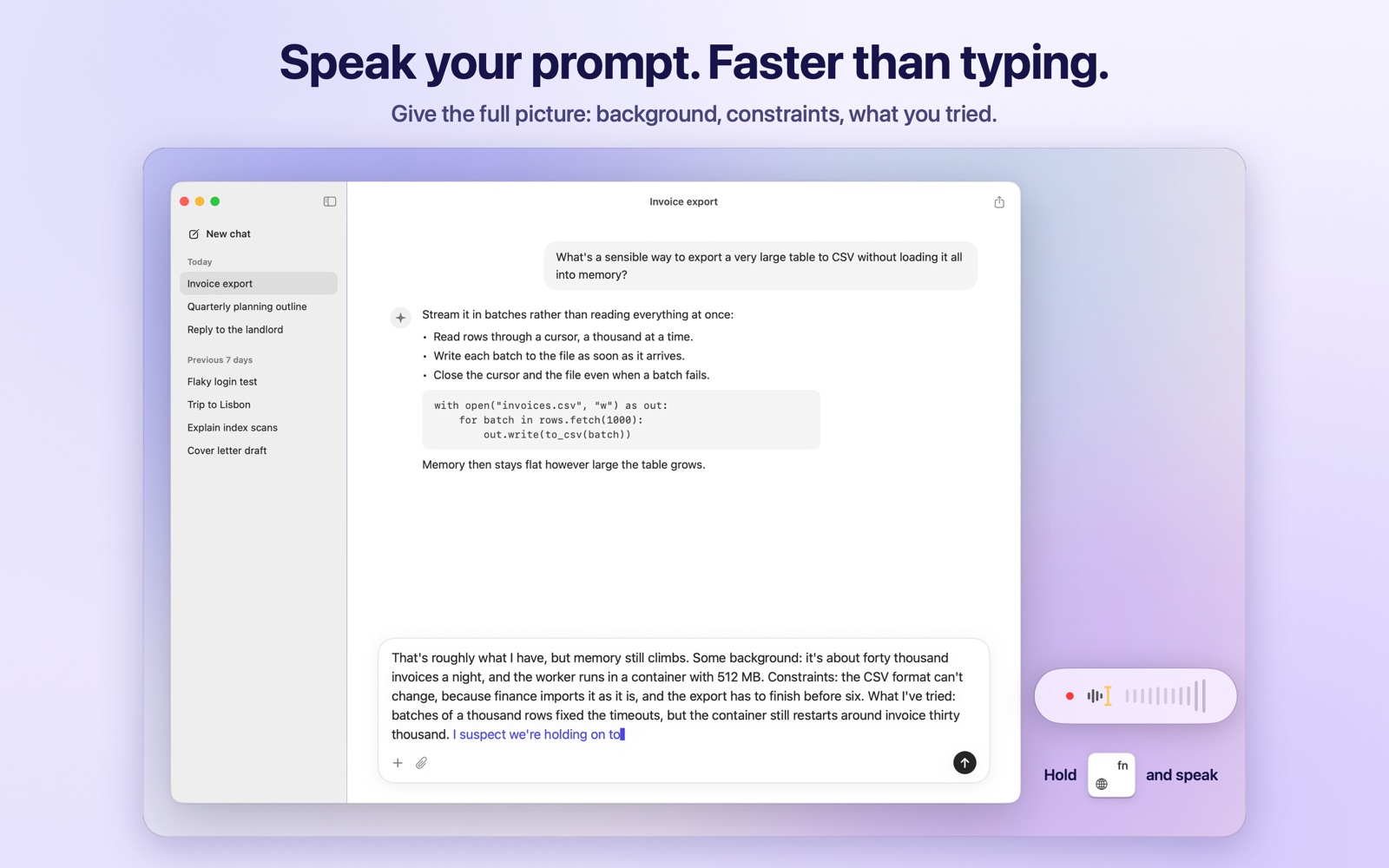
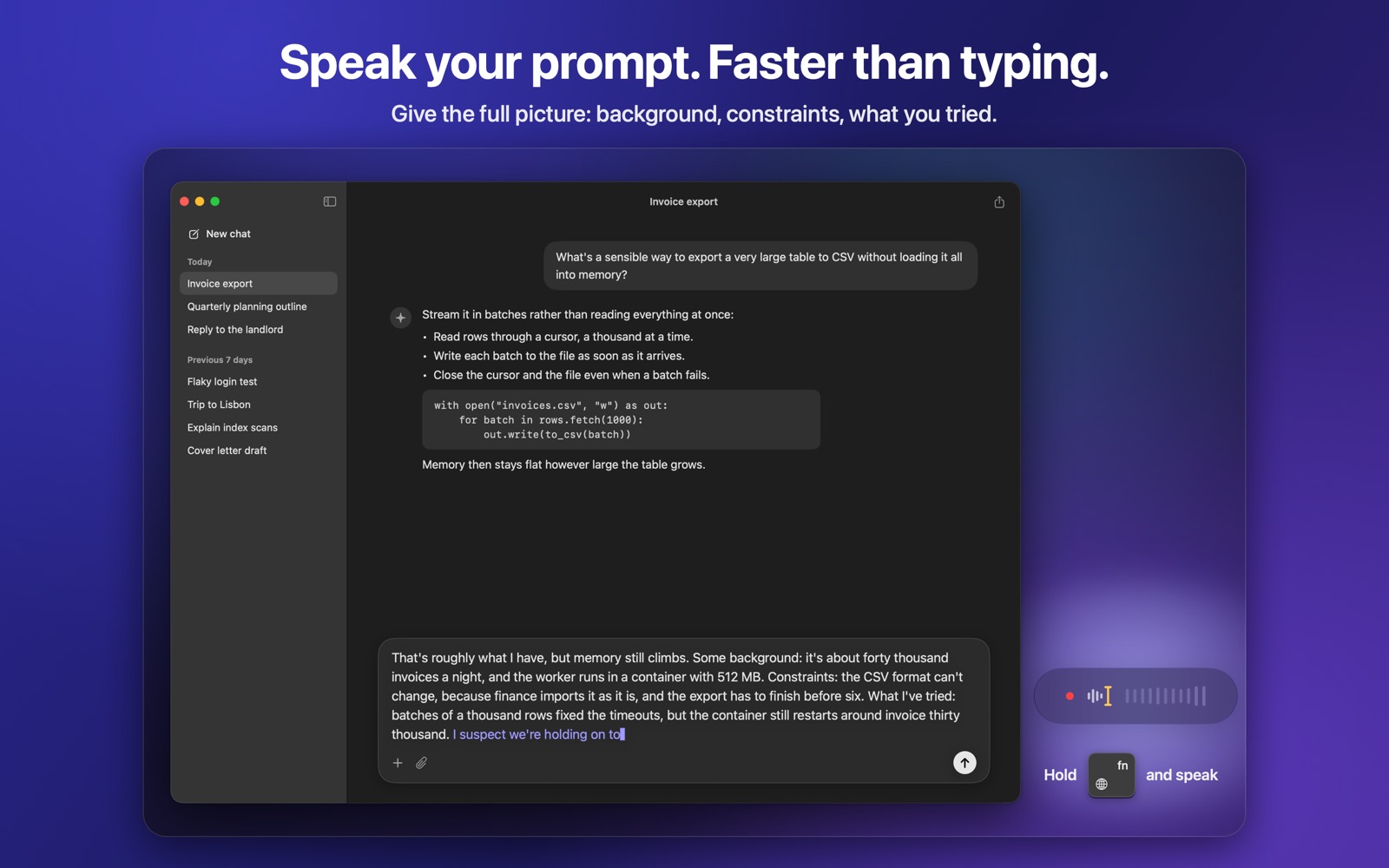
Speak your prompt. Faster than typing.
Hold a key, talk, and your words land at your cursor in any app: an AI chat, a terminal running Claude Code, a code editor, a document. Recognition runs on your Mac. AI is optional, and Azi always tells you where your text goes.
This early build isn't notarized by Apple yet, so macOS asks before opening it. Unzip it, drag Azi to Applications and open it. When macOS says it can't check the app, choose Done, then go to System Settings → Privacy & Security, scroll down and choose Open Anyway. You only do this once.
Free. For Apple silicon Macs with macOS 14 or newer. About 2.5 GB for the speech model; the optional speaker model is 22 MB.
Because Mac dictation sucks!
I would go from Claude Code to the terminal to a browser, press Command + D, and freeze with a spinning wheel. Press it again: nothing. So I built a better dictation tool for myself and made it free for you.
-
Better than built-in dictation
It's faster and more accurate than the dictation built into macOS because it has newer models that can handle punctuation, filler words, and gaps in your speech.
-
No more spinning wheel
Jump between a terminal, a code editor and a chat box as often as you like. Hold the key and Azi is listening, every time.
-
100% private and free
Your voice never streams to the internet and nothing is logged. No payments or ads ever. Compare that with the paid dictation apps.
-
One app with your microphone
Instead of handing microphone access to every app's own dictation feature, give it to one tiny tool that runs entirely on your Mac.
Give your AI assistant the full picture
AI assistants answer better when you give them more: the background, the constraints, what you already tried. Most people speak far faster than they type, so with Azi you say all of it, and it lands where you are typing. No account, no sign-in, no subscription.
-
Works in any app
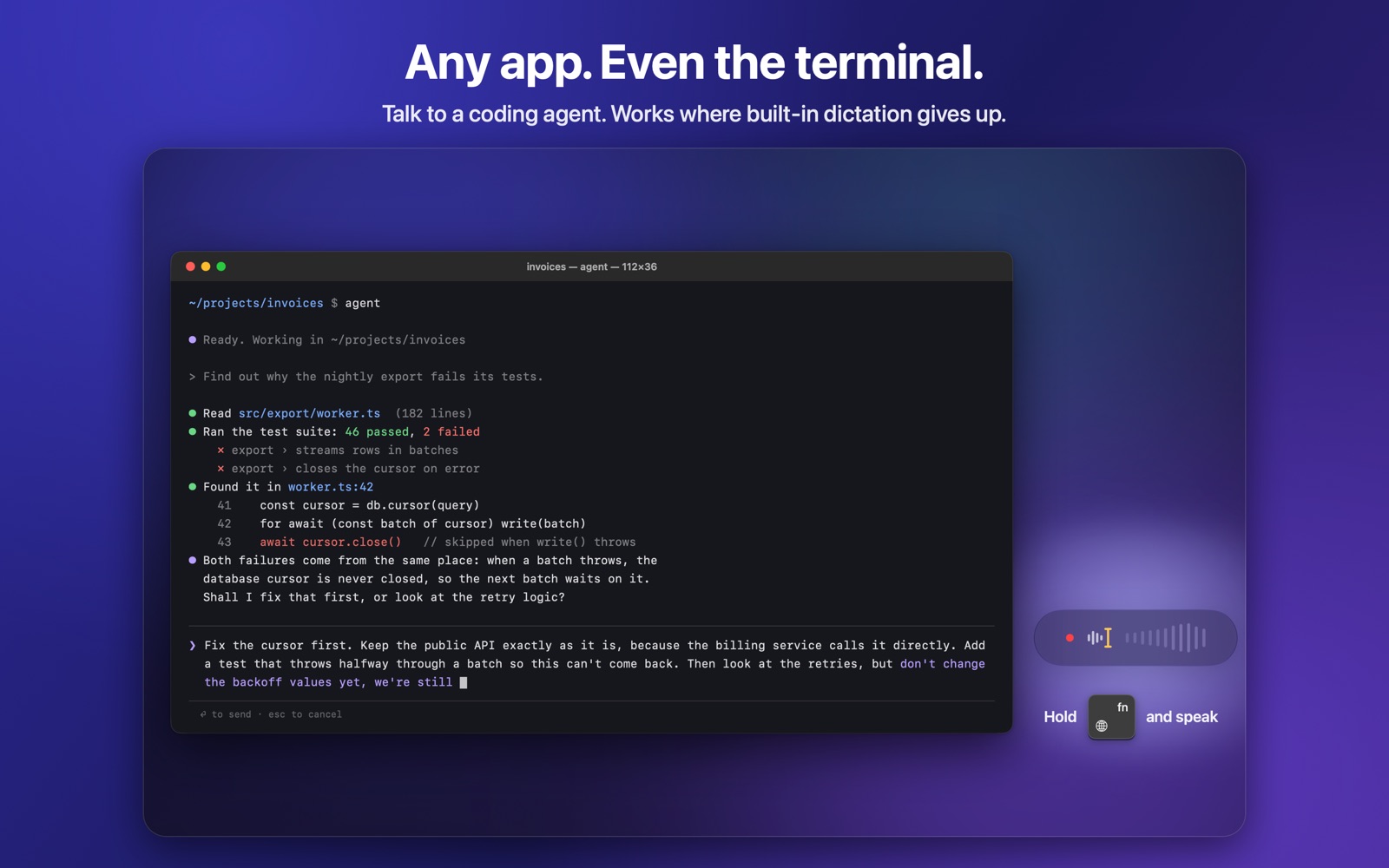
The text lands at your cursor: an AI chat, a terminal running a coding agent, a code editor or a document.
-
One key, no switching
Hold Fn, speak, let go. No window to switch to, nothing to copy and paste. Or press once to start and again to stop.
-
Private, on your Mac
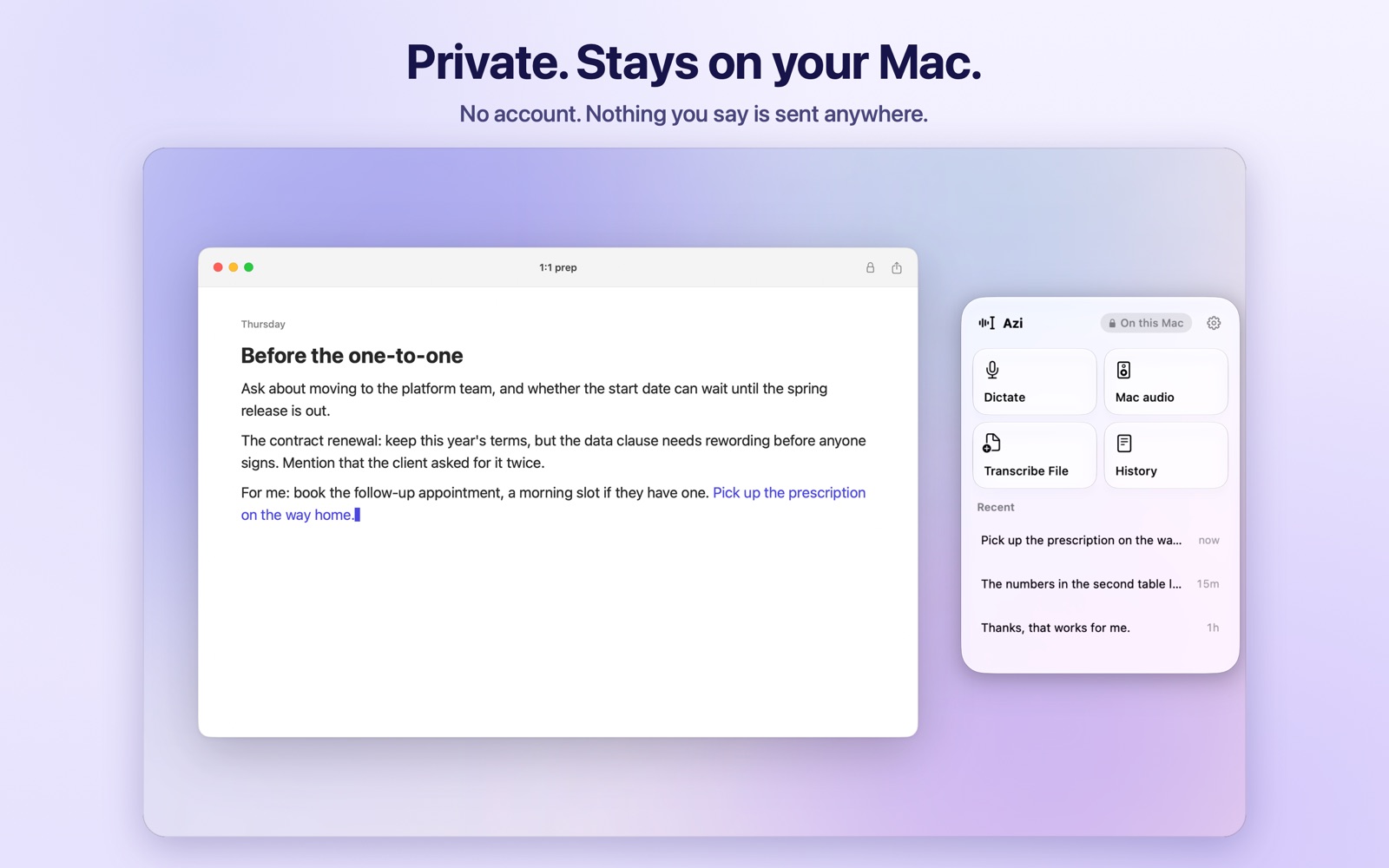
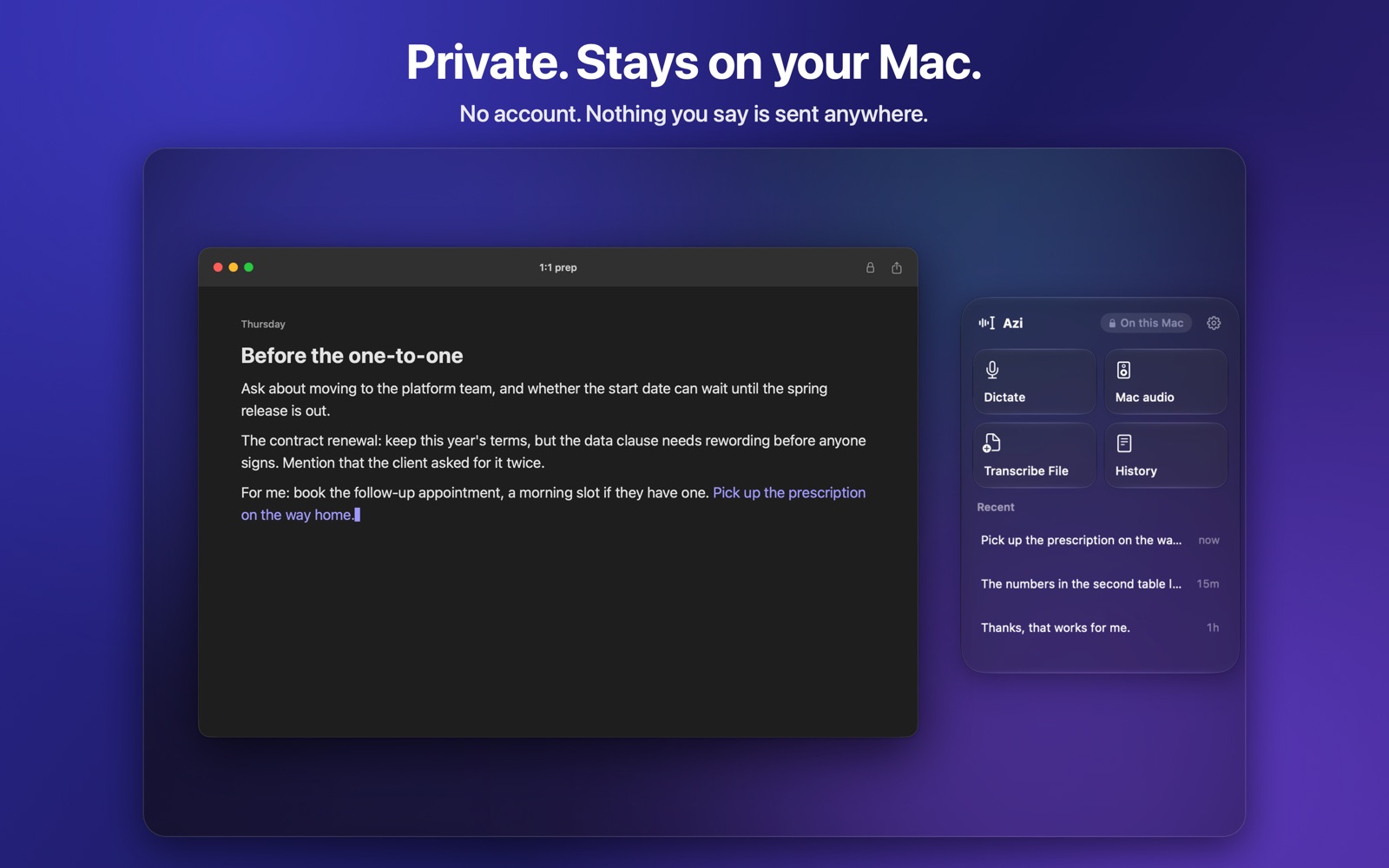
Your voice never leaves your Mac. Nothing goes anywhere unless you connect a service and send it. Talk freely about your code, your work or your life.
-
Ready to send
Punctuation and capital letters are added as you speak, with better results than built-in macOS dictation. Add replacements for names and terms. 14 languages.
-
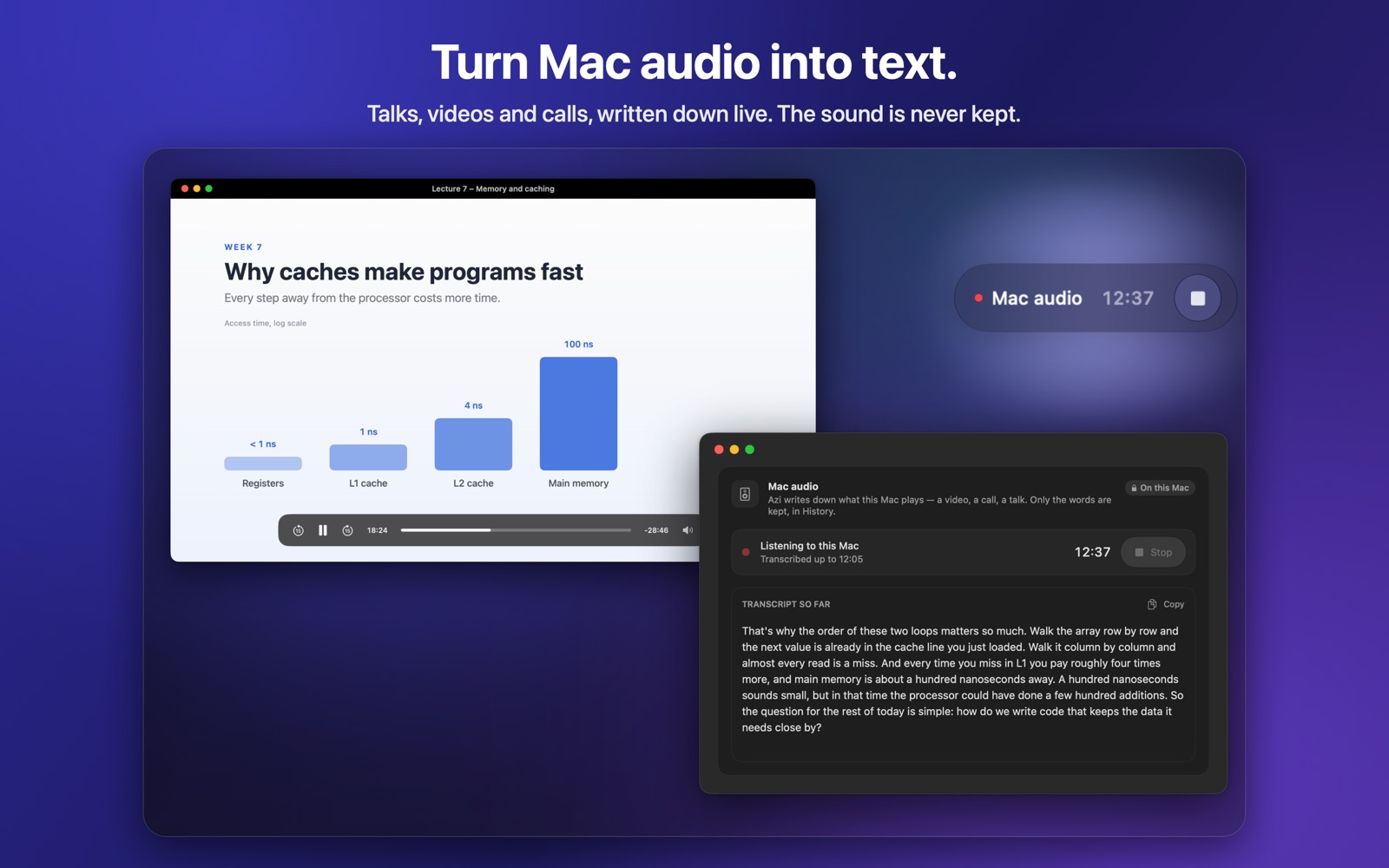
Turns Mac audio into text
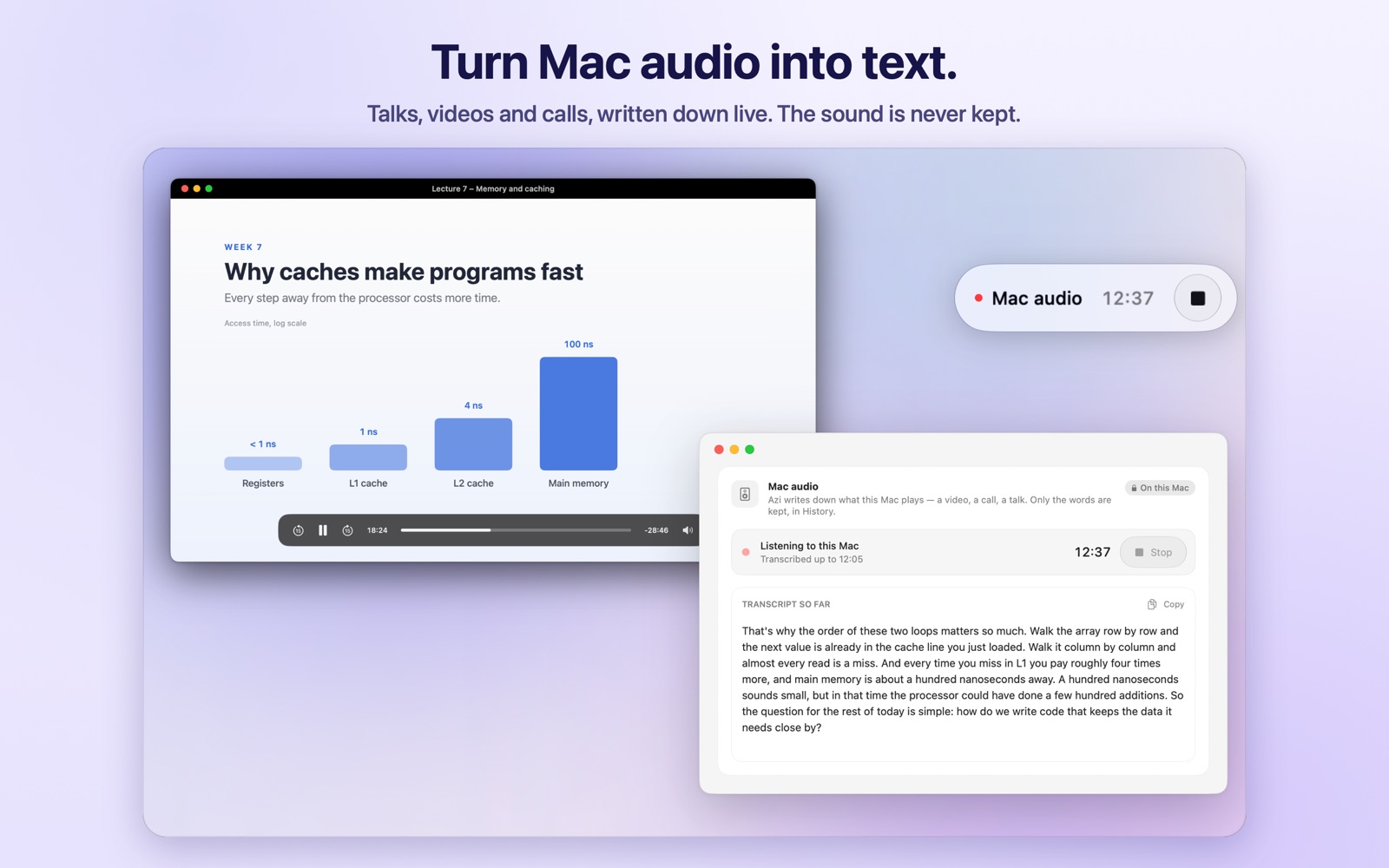
A lecture, a video or a call, written down live. Hand the transcript to your AI assistant. The sound is never kept.
-
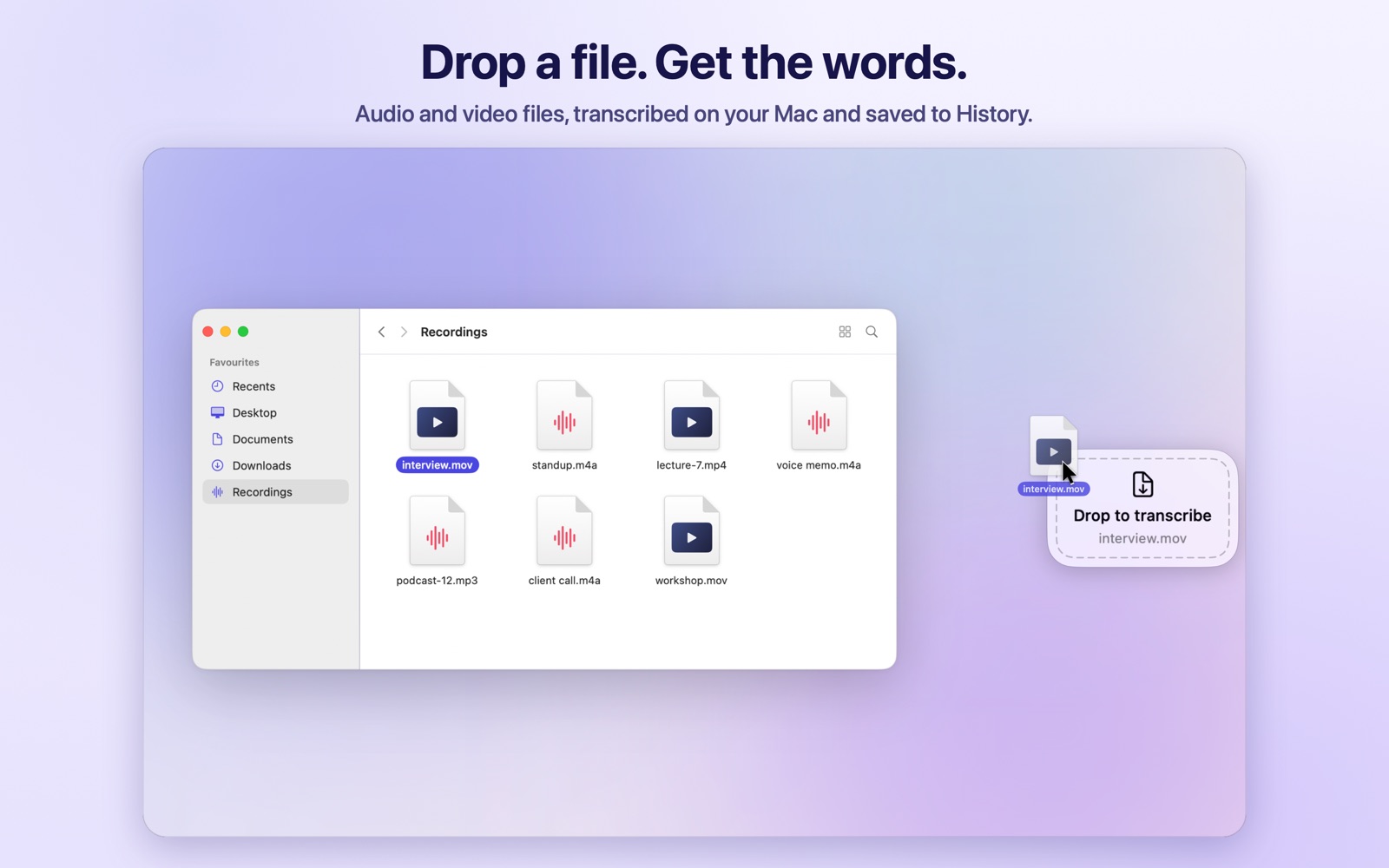
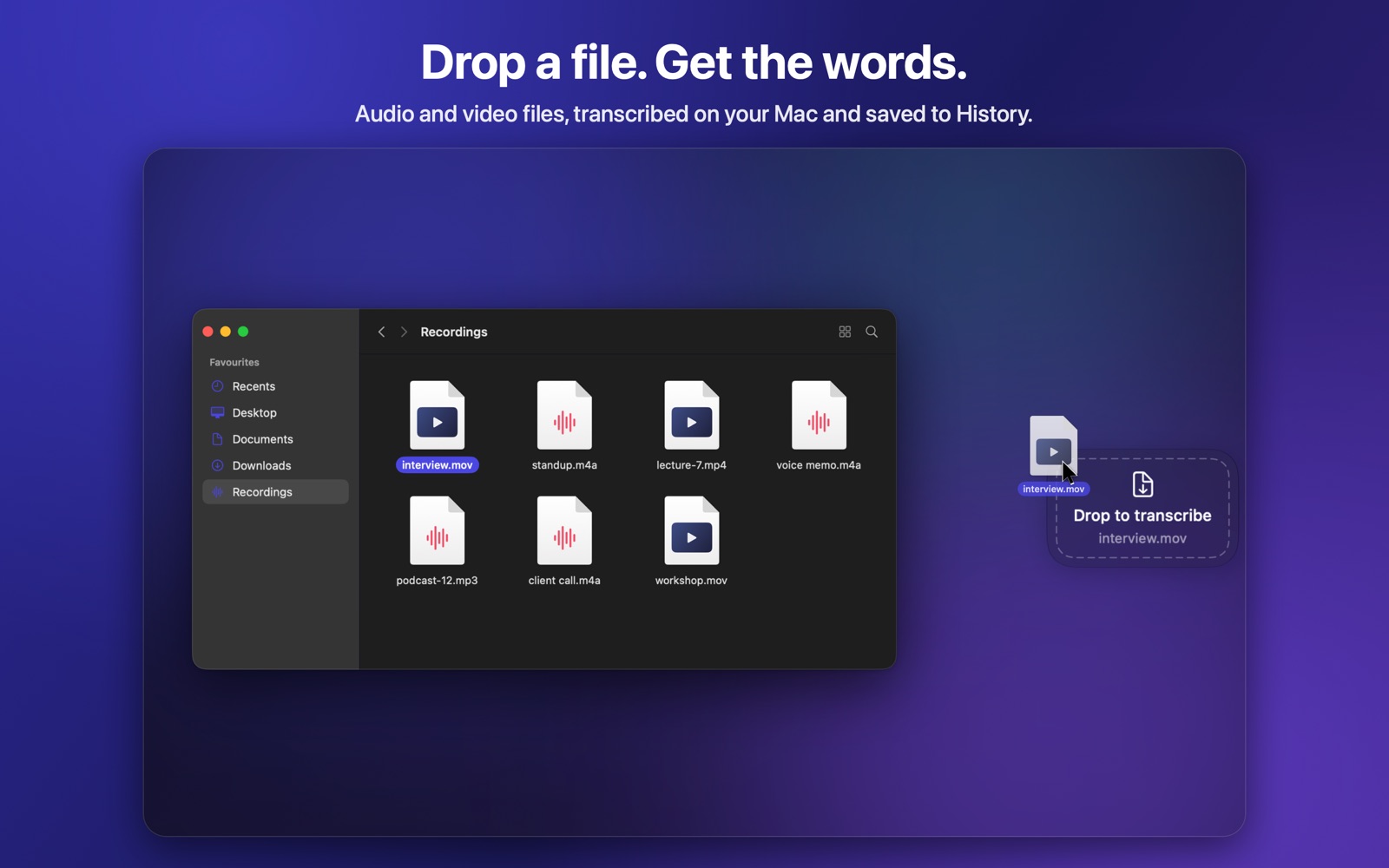
Drop a file, get the words
Audio and video files, or a link to one or to a podcast, transcribed on your Mac and saved to History.
Hold, speak, release
Hold the key
Put the cursor where the text should go, then hold Fn (or your chosen key). A slim pill appears with a red dot, and its bars follow your voice.
Speak
Say it the way you would say it to a person. Punctuation and capital letters are added for you. In English, say “new line” or “new paragraph”.
Release
Azi transcribes, says Inserted, and the text is at the cursor. Your clipboard is put back afterwards.
A closer look
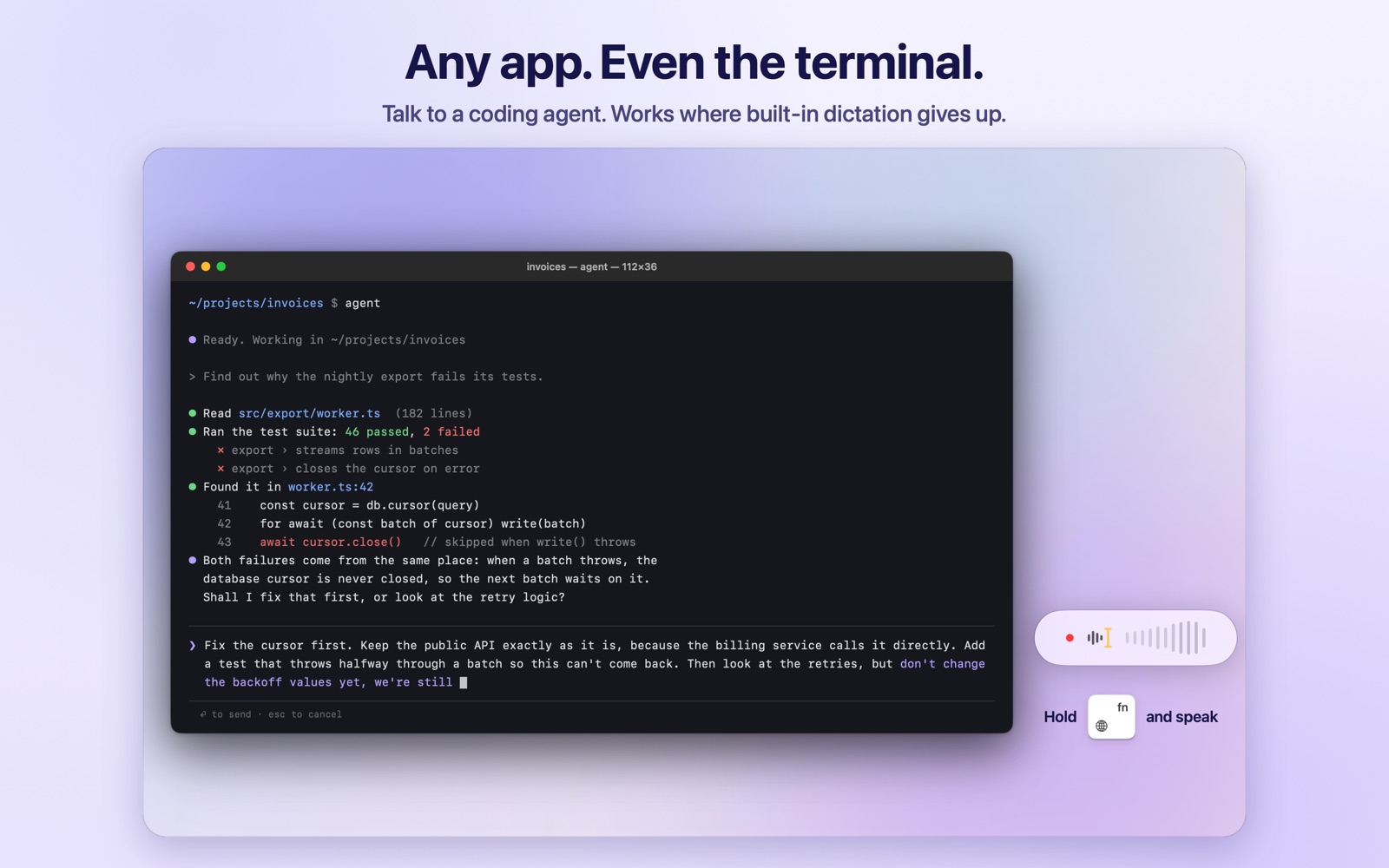
Even the terminal
Talk to a coding agent. Azi works where built-in dictation gives up.
Stays on your Mac
No account, no sign-in, no analytics. After the one-time model download, recognition works fully offline.
Transcribe what the Mac plays
Lectures, videos and calls, written down about half a minute behind the sound. The sound itself is never kept. Needs macOS 14.2 or newer.
Drop a file, get the words
Drag audio or video files onto the floating button. The transcript is saved to History.
Everything the paid apps charge for. Free.
No account, no subscription, and speech recognition stays on your Mac.
-
Timed transcripts
Every sentence keeps its time. Play the audio or video in the window from any line.
-
Export anywhere
SRT, VTT, Word, PDF, Markdown, web page, JSON or plain text, with or without timestamps.
-
Speaker recognition
Who said what, in files and live while your Mac plays a call or a talk. Worked out on your Mac after a one-time download.
-
Record calls
Azi offers to record calls and keeps You and Others apart. A pill is always on screen while it records.
-
Translate as you speak
Hold one more key while you dictate, speak any language, and the words arrive in English or the language you choose.
-
Watched folders
New files are transcribed on their own, then sent to a folder, Obsidian notes, Notion or a webhook.
-
A Notepad
Several notes that save as you type, in a floating window that can stay on top.
-
Optional AI
Run prompts with a provider you choose, or a free open model from Hugging Face that runs on your Mac. Azi always says where text goes.
-
A command line
An azi command transcribes into any format and runs local models. With your OK, AI tools like Claude Code can read your transcripts and notes.
Your voice never leaves your Mac
Azi always runs the newest leading speech model on your Mac through llama.cpp. There is no account and no sign-in, and no analytics, advertising or tracking. Your voice and audio never leave it. Azi downloads its speech model once, and after that recognition works fully offline. Text goes to an AI provider, Notion or a webhook only if you set one up and choose to send it, and Azi says where it is going each time. Read the privacy policy.
What you need
An Apple silicon Mac with macOS 14 or newer (macOS 14.2 for Mac audio), and about 2.5 GB of disk space (the optional speaker model adds 22 MB). The speech model downloads once on first run, while you go through setup. Azi asks before it downloads anything.
Version 0.6.1
Questions
Does Azi send my voice anywhere?
No. Recognition and speaker recognition run on your Mac. Azi downloads the speech model, and the optional speaker model if you ask for it. Text goes to an AI provider, Notion or a webhook only if you set one up and choose to send.
Does it need AI?
No. AI is optional and off until you connect a provider. Azi finds the ones already on your Mac, and always tells you where your text goes before it is sent.
Does it cost anything?
No. Azi is free, with no account and no subscription.
What do I need?
An Apple silicon Mac with macOS 14 or newer, about 2.5 GB of disk space for the speech model, and an internet connection once, to download it. Transcribing what your Mac plays needs macOS 14.2 or newer.
Which apps does it work in?
Any app where you can type, including terminals and code editors. If an app will not accept typed text, Azi copies your words and tells you: “Copied — press ⌘V”.
Which languages does it understand?
Arabic, Chinese, Dutch, English, French, German, Hindi, Italian, Japanese, Korean, Portuguese, Russian, Spanish and Turkish. Azi detects the language automatically, or you can pick one.
Can I use a different key than Fn?
Yes: Right Command, Right Option or Right Control. You can also press once to start and again to stop, instead of holding.
How can I check my download?
Every release has a SHA-256 checksum, a fingerprint of the file. To check yours, open Terminal and run shasum -a 256 ~/Downloads/Azi-0.6.1-macos-arm64.zip. It should print 0dd2b1403163f511cd390b804a538a43e477248795ba50877274dfa3f0f403f5. If it doesn't, delete the file and download it again.
Where do I get help?
See the support page for setup help and troubleshooting.
Try it Click to dictate. Double-click for Mac audio. Drag to move it.